Number to Words Converter: The Fast, Free Way to Spell Out Any Figure in 2026
If you have ever stared at a cheque, an invoice, or a legal contract and wondered how to correctly spell out a figure, a reliable number to words tool solves the problem in seconds. Instead of second-guessing whether “1,250,000” becomes “one million two hundred fifty thousand” or something else, you paste the digits and get clean, grammatically correct text instantly. In 2026, accuracy in written figures still matters for banking, accounting, and formal documents, and a dedicated converter removes the guesswork completely.
This guide walks you through why spelling out numbers is still essential, how to use a browser-based converter, and the practical scenarios where it saves time and prevents costly mistakes. Everything here is free, requires no signup, and runs directly in your browser.
Why a Number to Words Tool Still Matters
Writing numbers as words is not a relic of the past. Cheques around the world require both the numeric and written amount so that the figure cannot be altered after signing. Legal agreements spell out sums to remove ambiguity. Academic style guides often ask writers to spell small numbers. And accessibility tools sometimes read written figures more clearly than long digit strings.
Manually converting large numbers is slow and error prone. It is easy to drop a “thousand” or misplace a “hundred” when you are tired. A converter enforces consistent grammar every single time, which is exactly what you want on a document that carries financial or legal weight.
Common places you need spelled-out numbers
- Bank cheques and money orders
- Invoices and purchase orders
- Legal contracts, affidavits, and deeds
- School assignments and formal essays
- Tax forms and compliance paperwork
- Spoken-word scripts and voiceover drafts
How to Use the Number to Words Converter
The workflow is refreshingly simple. A good converter is designed so that anyone can use it without reading a manual. Here is the typical process from start to finish.
- Open the tool in your browser on desktop or mobile.
- Type or paste the number you want to convert into the input field.
- Choose your options, such as currency formatting or capitalisation if available.
- Read the spelled-out result that appears instantly below.
- Copy the text with one click and paste it wherever you need it.
Because everything happens in the browser, your figures are not uploaded to a server, which is reassuring when the numbers involve sensitive financial data. The result is immediate, so there is no waiting and no page reload.
Real-World Examples That Save Time
Consider a freelancer sending a client an invoice for 4,750 dollars. Writing “four thousand seven hundred fifty dollars” by hand is fine once, but across dozens of invoices a month it becomes tedious and mistakes creep in. A converter handles it instantly and identically each time, which keeps your paperwork consistent and professional.
Or imagine a teacher preparing a worksheet on place value. Generating dozens of number-word pairs by hand would eat an afternoon. With a converter, the teacher produces an answer key in minutes and spends the saved time on actual instruction.
A quick comparison of methods
| Method | Speed | Accuracy | Cost |
|---|---|---|---|
| Manual writing | Slow | Error prone | Free |
| Spreadsheet formula | Medium | Good if set up | Setup time |
| Online converter | Instant | Consistent | Free |
The comparison makes the case clearly: for one-off tasks a converter wins on speed, and for repeated tasks it wins on consistency.
Beyond Numbers: Handling Files Too
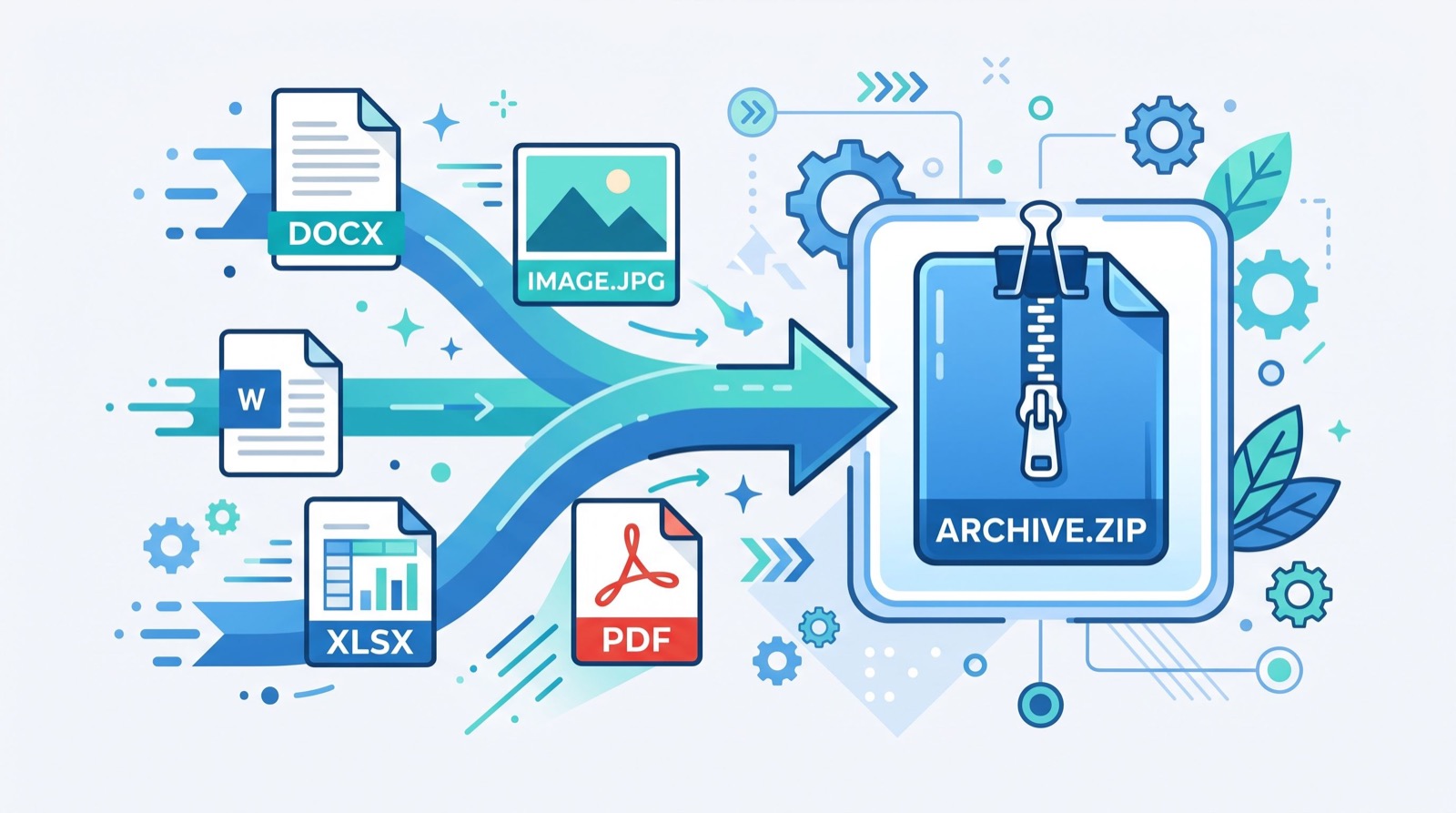
Productivity rarely stops at a single task. If you are preparing documents, you often juggle attachments as well. Many people compress files to send them, and when they receive an archive they may need to change its format. A handy companion utility lets you convert RAR to ZIP online free without installing desktop software, which is perfect when you are on a borrowed computer or a locked-down work machine.
Pairing a number converter with a file converter means your entire document preparation pipeline can live in the browser. You spell out the figures, package your attachments, and send everything off without opening a single heavy application.
If you want hands-on help setting up this kind of streamlined workflow for a business, an experienced local team can audit your document processes and recommend the right mix of free tools.
Tips for Getting the Most Accurate Results
Even the best tool benefits from careful input. These simple habits keep your output clean and ready to paste directly into formal documents.
- Remove stray spaces or letters before converting a figure.
- Decide in advance whether you want currency words like “dollars” or “cents” included.
- Double-check decimal handling, since “and” placement can vary by style guide.
- Confirm capitalisation matches the surrounding text in your document.
- For cheques, follow your bank’s expected phrasing exactly.
According to guidance from the Consumer Financial Protection Bureau, clearly written amounts help prevent fraud and disputes on negotiable instruments, which is one more reason to get the wording right the first time.
Who Benefits Most From Online Conversion Tools
Accountants and bookkeepers process figures all day and gain the most from instant, consistent conversion. Small business owners who send their own invoices save real time. Students learning numeracy get an instant reference. Writers and editors who follow strict style guides avoid repetitive lookups. Even developers testing financial software use converters to generate expected outputs quickly.
The common thread is that nobody should spend mental energy on a mechanical task a browser can do perfectly. Free online tools let you reserve your focus for the work that actually needs human judgement.
Frequently Asked Questions
Is a number to words converter free to use?
Yes. A quality number to words tool runs entirely in your browser at no cost, with no account required and no limit on how many conversions you can perform.
Can it handle very large numbers?
Good converters support millions, billions, and beyond, spelling each place value correctly. Simply paste the figure and the tool parses it instantly, so even unusually large amounts come out grammatically correct.
Are my numbers kept private?
Browser-based converters process the figure locally, meaning your data is not uploaded to a remote server. This makes them a safe choice for sensitive financial amounts you would rather not transmit.
Does it work on a phone?
Yes. Because the tool is web based, it works on any modern smartphone, tablet, or desktop browser without an app download, so you can convert figures wherever you happen to be.
Conclusion
A dependable number to words converter is one of those small utilities that quietly saves hours and prevents embarrassing errors across cheques, invoices, and formal documents. Pair it with a file converter and a few good habits, and your document preparation becomes faster, cleaner, and more professional in 2026. Try the free tool today, bookmark it for your next invoice or cheque, and let the browser handle the tedious spelling while you focus on the work that matters.